
Photo backup for Android
Set it up once. Your photos back up themselves.
Photos Copy copies the photos on your Android phone to a drive you already own — a NAS, a home server, a WebDAV drive, or a USB drive. Files go only to the destination you pick.
- $2.99 once, no subscription
- No account
- Copy-only — never deletes
Coming soon to Google Play — in testing now.

Works with your storage
Your drive, your choice
If it offers SMB network shares or WebDAV, Photos Copy can back up to it.
…and folders on your phone itself, for an on-device second copy.
Features
Why Photos Copy
One job, done carefully.
Copy-only, always
Backup means copy. Photos Copy never deletes photos from your phone, and it never deletes anything from your drive as part of a backup.
Automatic
Set it up once and it keeps up with new photos on its schedule — Wi-Fi only, or Wi-Fi and mobile data, your choice.
Resumes and skips
Interrupted backups resume where they left off. Photos already backed up are recognized and skipped, so re-running a backup is cheap.
A gallery for your backups
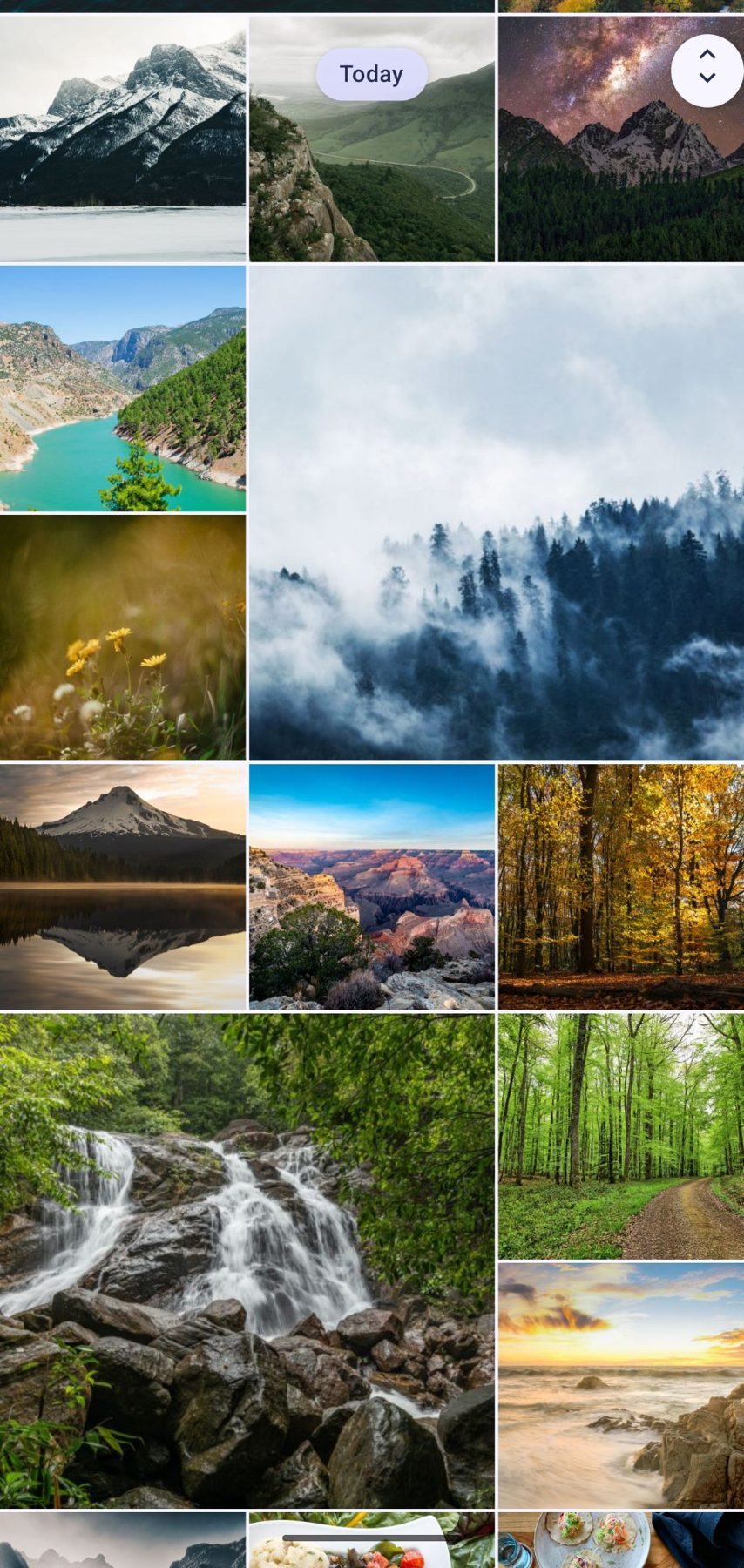
Browse everything you’ve backed up — by folder, across all your drives — with full-screen viewing, pinch to zoom, and video playback, streamed straight from your drive.
A clear backup line
The app shows exactly what’s running and what’s next, and every drive’s card shows when it was last checked.
Private by design
Your photos travel directly from your phone to your drive — there are no TwiceKept servers in between. Sign-ins for your drives are stored encrypted on your phone only.
Screenshots
See it in action
Real screens from the app — the gallery, the backup line, and your folders.
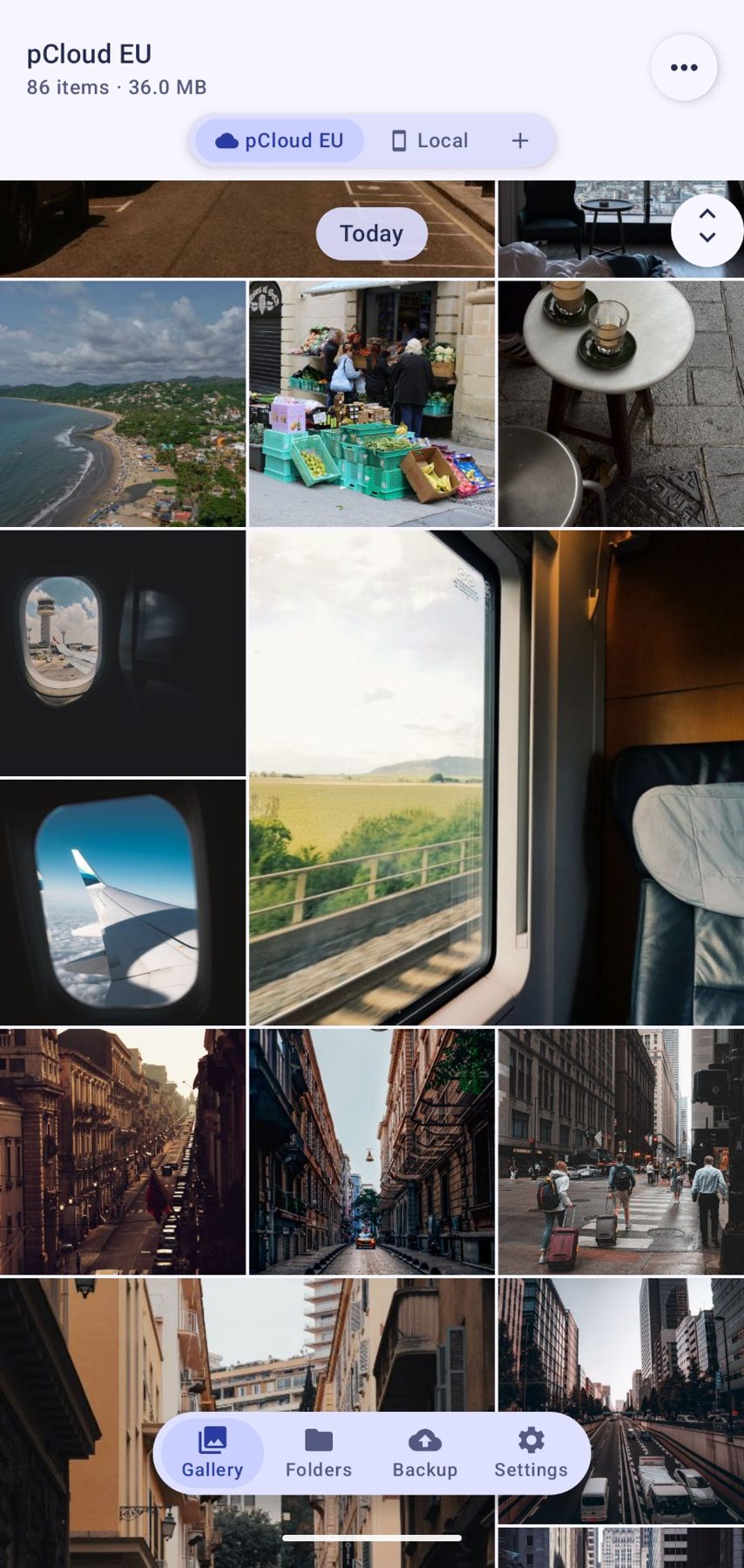
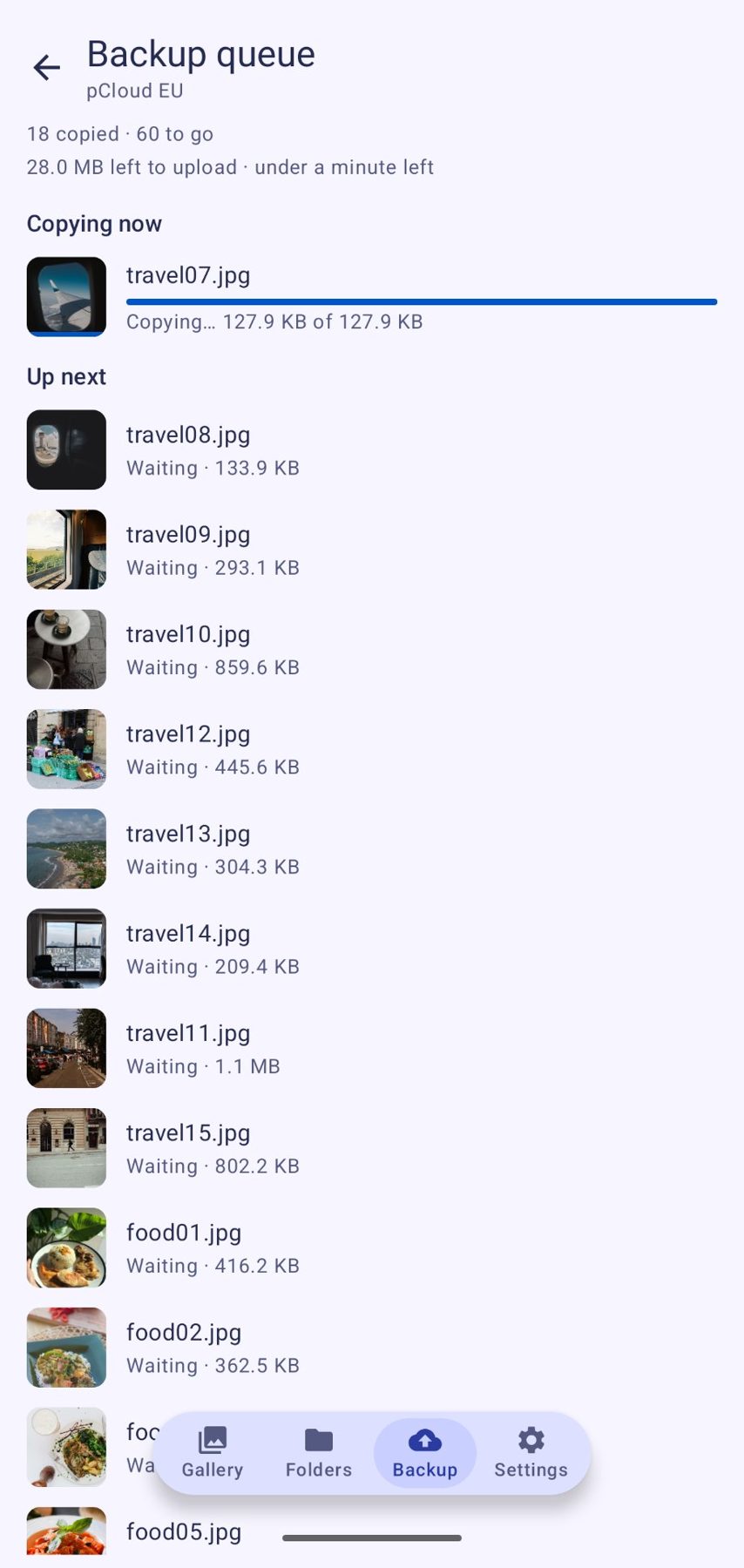
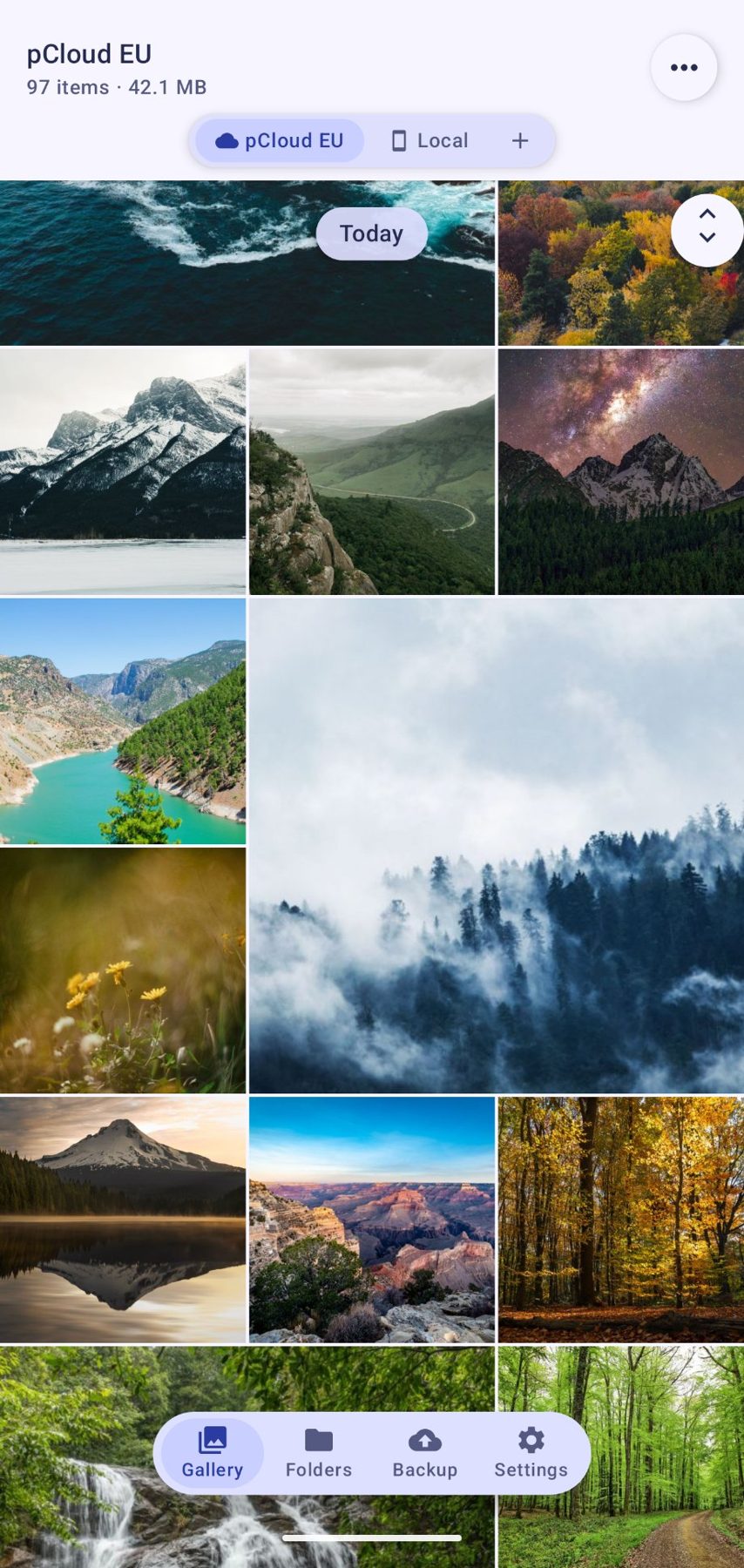

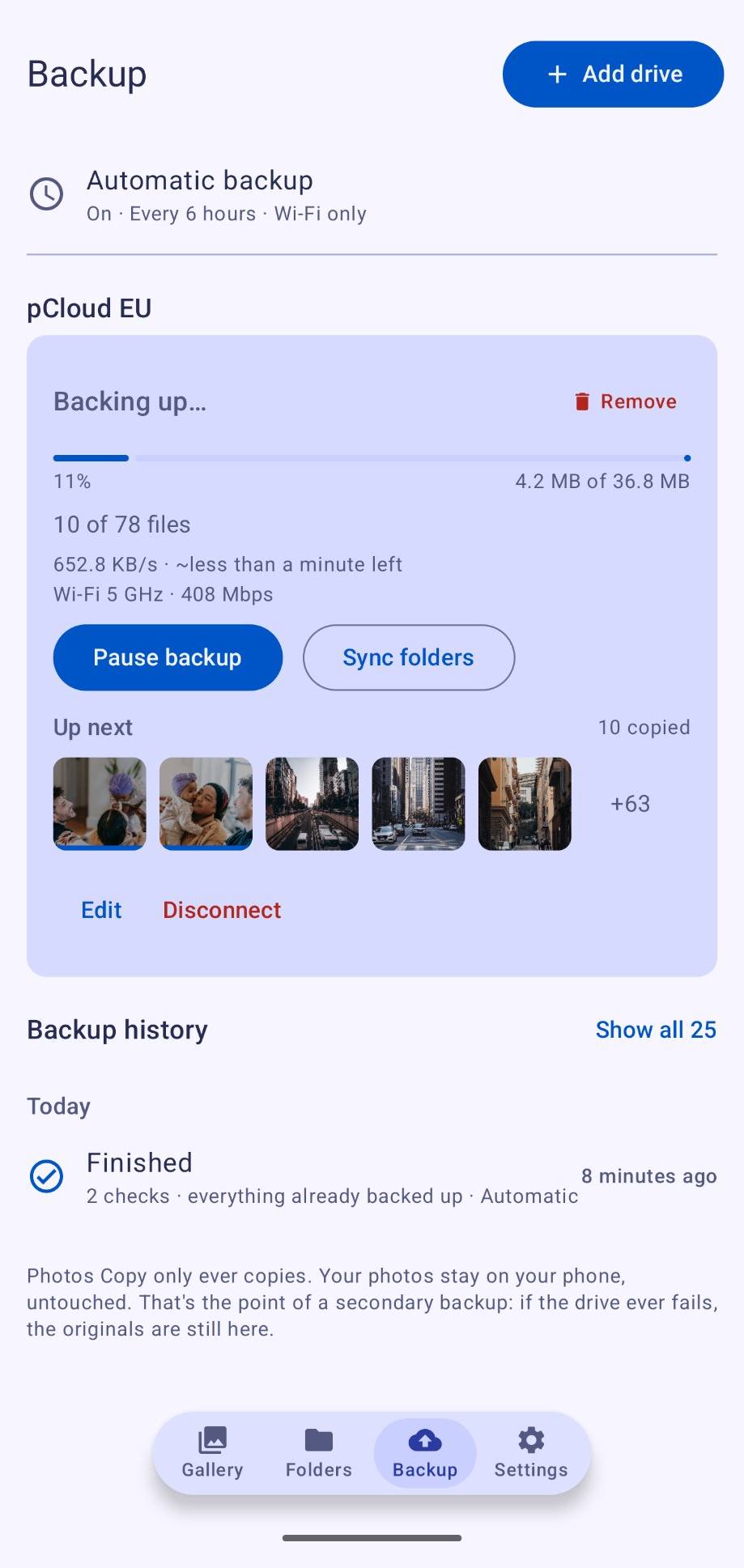
By design
A second backup, on purpose
Photos Copy is built to be one copy of your photos among your backups — the copy that lives at home, under your control. Keep your other backups too. A backup you own, on hardware you own, is a good second copy: it doesn’t depend on a subscription staying active or a company’s servers staying up.
How it works
Three steps, once
-
Connect your drive
Add your NAS, home server, or WebDAV drive in the app. SMB network shares, WebDAV servers, USB drives, and folders on your phone are supported.
-
Choose what to back up
Pick the photo folders you want copied, and whether backups run automatically.
-
Done
Photos Copy copies new photos to your drive and keeps them up to date. Browse them any time in the built-in gallery.
Learn more on the How It Works page.
The difference
Photos Copy vs cloud photo backup
| Photos Copy | Cloud photo backup | |
|---|---|---|
| Where your photos live | On a drive you own | On a company’s servers |
| Account required | No | Yes |
| Ongoing cost | $2.99, once | Monthly subscription |
| Works without internet | Yes — over your home network | No |
| If the company shuts down | Your backup is untouched | Your backup goes with it |
| Who holds your photos | Only you | You and the provider |
Pricing
Pay once. It’s yours.
Photos Copy
$2.99
one-time, on Google Play
- No subscription, ever
- No in-app purchases
- Every feature included
- Updates through Google Play included
Launching soon on Google Play — in closed testing now. Refunds are handled through Google Play, under Google Play’s refund policy.
FAQ
Questions, answered
Where do my photos actually go?
To the drive you connect — your NAS, home server, WebDAV drive, or USB drive. Nowhere else. Photos Copy has no servers of its own.
Does it delete photos from my phone to save space?
No. Photos Copy is copy-only. It never deletes photos from your phone, and it never deletes files from your drive during a backup.
What do I need to use it?
An Android phone and a drive to back up to: a NAS or home server on your network (SMB), any WebDAV server or WebDAV storage service, or a USB drive.
Does it need an account?
No. There is no sign-up, no ads, and no tracking. Your drive sign-ins are stored encrypted on your phone only.
What does it cost?
$2.99, paid once on Google Play. No subscription and no in-app purchases. (The app is in testing now; this page will link to Google Play when it launches.)
I need help. Who do I contact?
Email twicekeptapps@gmail.com — a person reads it.
More questions? See the FAQ page.
Photos Copy
Your photos belong on your hardware.
Set it up once, and keep a copy of your photos at home — on your drive, under your control.